Repurpose
Turn your ideas and recordings into a library of short-form content you can keep using.
Make your spoken message visible with an AI caption generator built into your video workflow. Try the caption-template controls here, then generate captions for your own videos in GotReach.
Try a few controls from the app's caption-template builder. This sample uses the app's preview text and image.
A preview of selected controls, not a video generator. The app includes more template and motion settings.
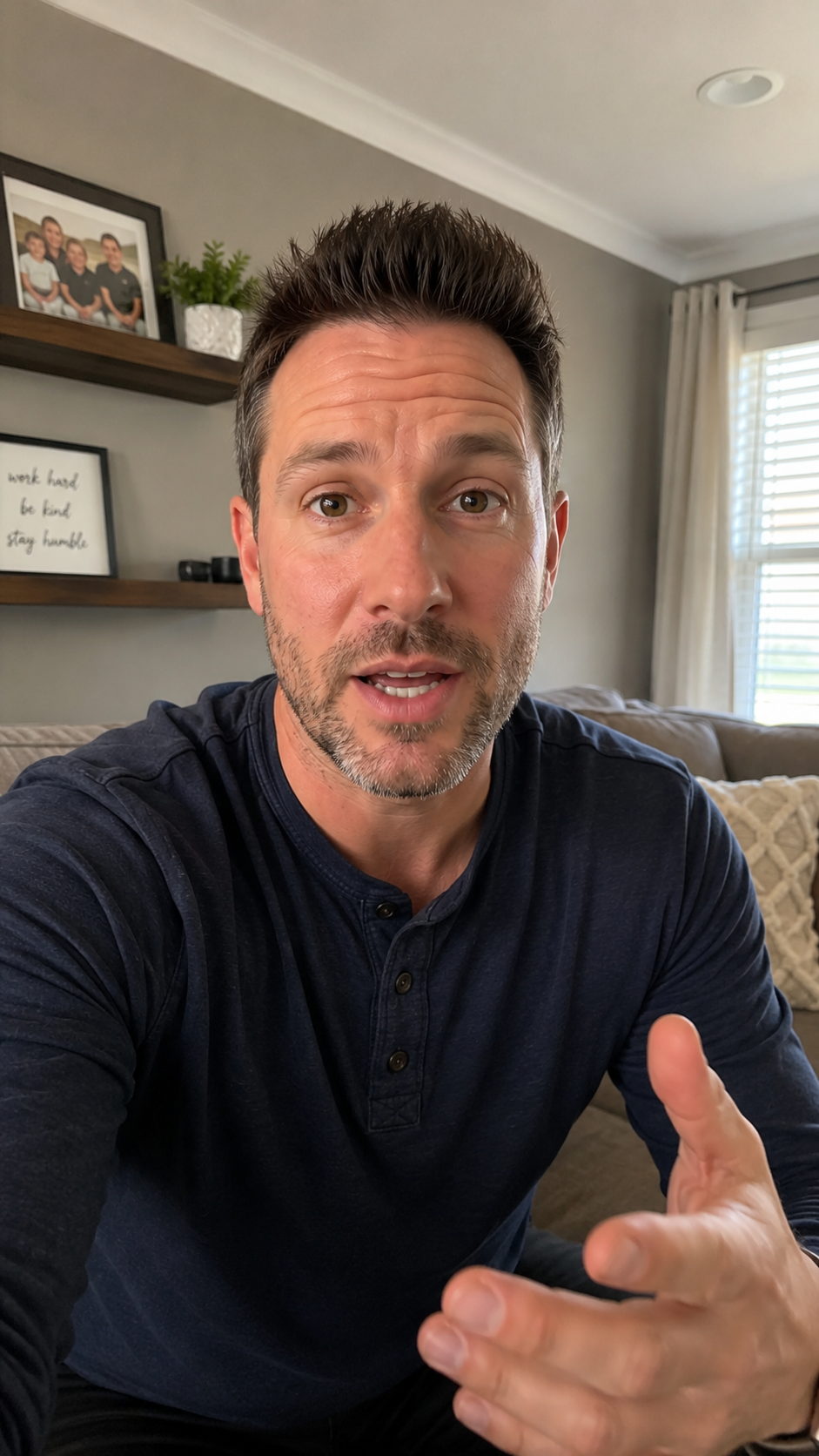
Use the subtitle generator to add captions to video in your editing workflow. Choose a style, generate auto captions, then review the words and timing before publishing.
These captions display spoken words inside your video. They are different from the text description you write alongside a social media post.
You can try caption-template settings here. Start a trial to record or upload your own video and generate captions inside GotReach.
Yes. Watch your finished video and check names, specialized words, timing, and readability before publishing.
Create, caption, schedule, and manage your social videos with GotReach.
Start your 14-day free trial